One performer in each photo
Use two separate pictures, with one clearly visible subject in each. A group photo makes it harder to tell which face you want to use.
 58th Floor AILoading account…
Two photos go in. A 15-second studio performance comes out. Take a closer look at an actual generated example before you make your own.
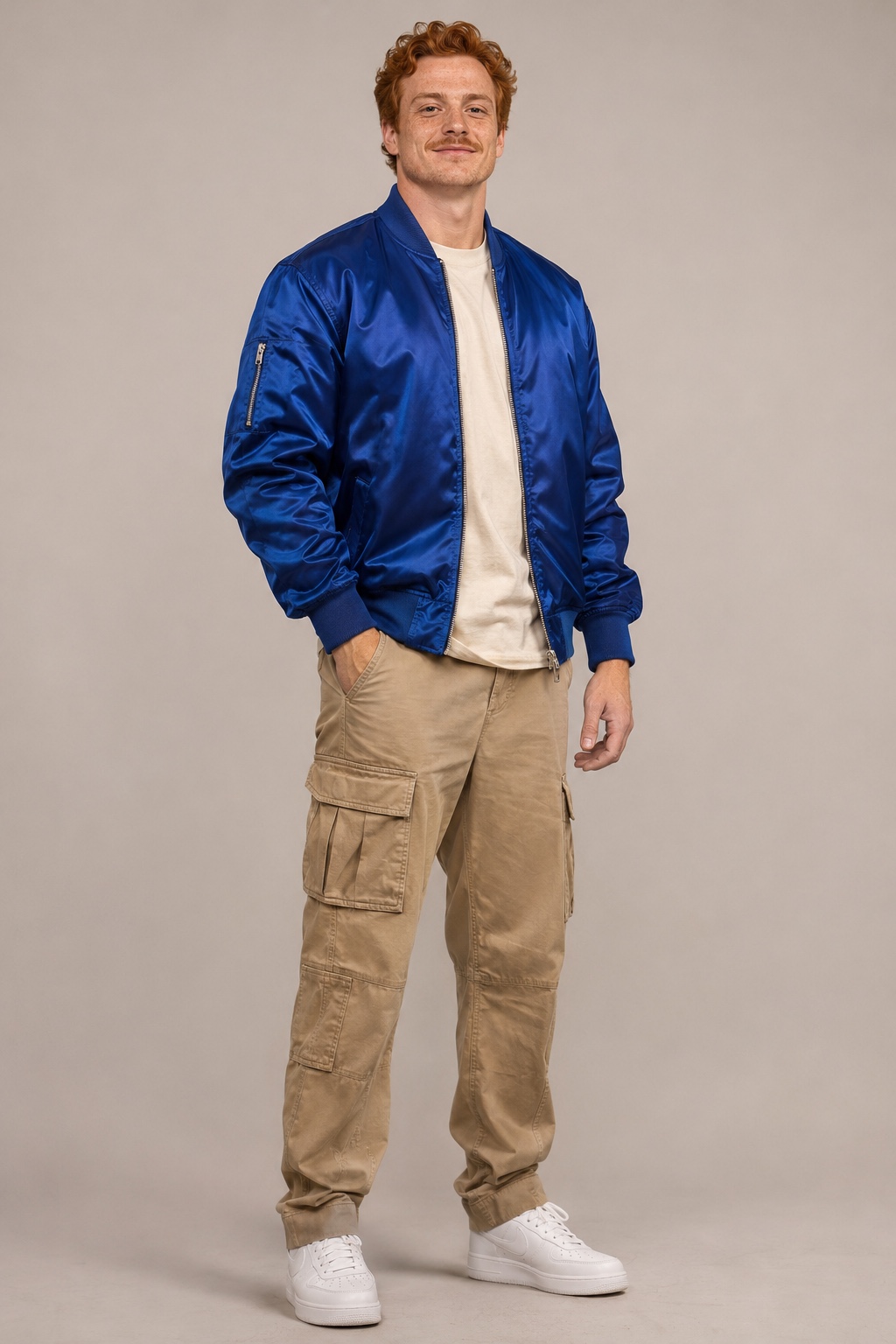
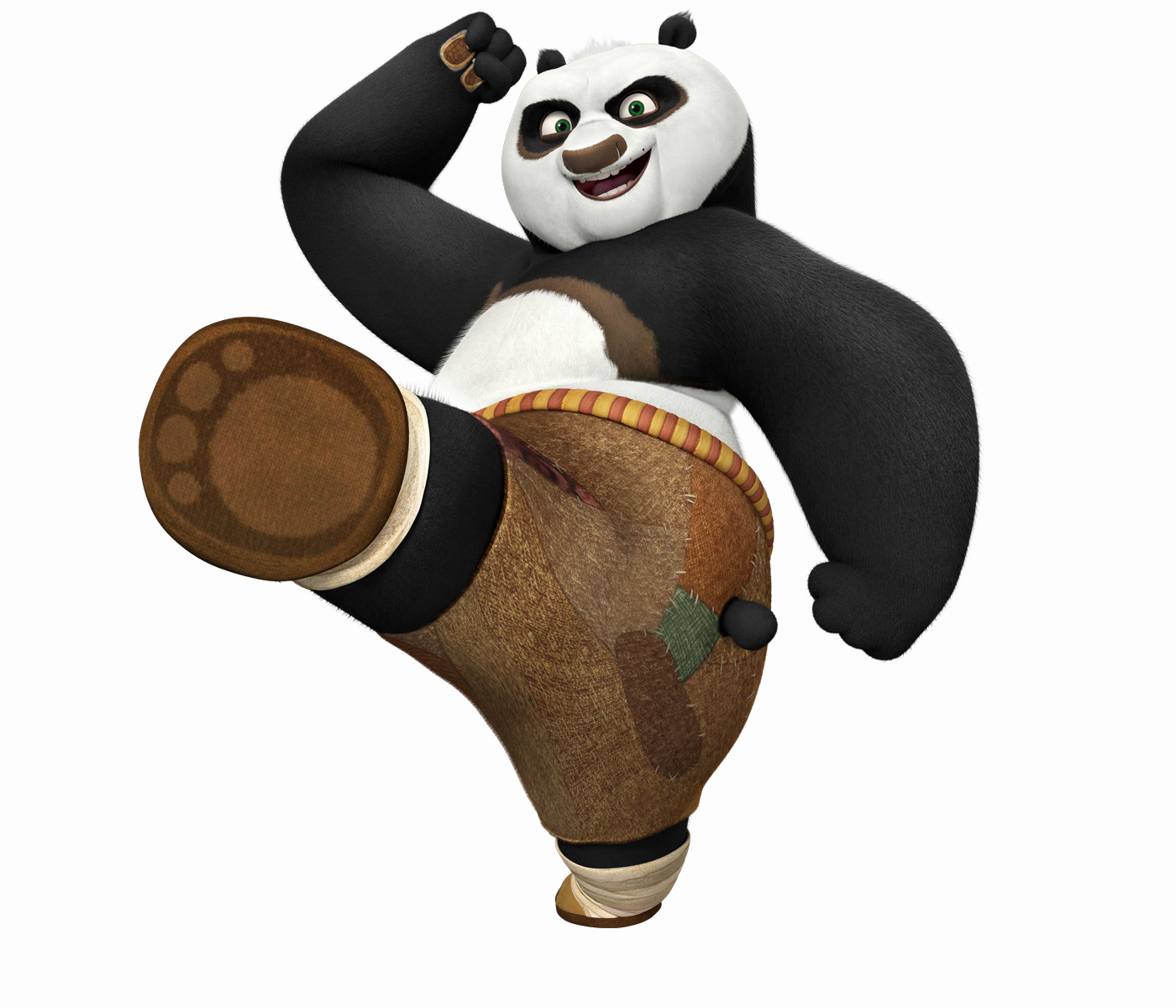
These are the two photos used for the video shown here. Watch both performers together, then look back at the inputs to understand the transformation.
AI-generated example. This is a product demonstration, not a customer testimonial or a guarantee of your result.
Press play to watch. The player starts muted; turn the sound on to hear the performance.
The two inputs are used as performers in a generated scene. Watch how the subjects appear in motion and how the video brings them into the same performance. The output includes the performance audio; it is not a recording of their own voices.
This example pairs a human portrait with a character image. It demonstrates one output, not a separate character mode or a guarantee that every input will behave the same way.
AI may change the framing, appearance, movement and mouth shapes. Exact likeness, identical cuts and precise lip sync are not guaranteed. Review the whole clip with sound to understand what the current format offers.
Use two separate pictures, with one clearly visible subject in each. A group photo makes it harder to tell which face you want to use.
Choose a sharp picture with even lighting. Keep the eyes and mouth visible; heavy shadows, sunglasses and a hand across the face can hide useful detail.
A front-facing or gently angled portrait is a useful starting point. Avoid distant faces, extreme angles and heavy filters that change facial features.
Choose JPG, PNG or WebP, up to 15 MB per photo. You can change or remove either photo before starting. Use pictures you have permission to use.
Photos, credits and what happens next. For a question about your own order or task, contact support with its reference.
Choose one clear, well-lit picture of each performer, with the face large enough to see. Avoid group pictures, heavy filters and anything covering the eyes or mouth. JPG, PNG and WebP files are accepted, up to 15 MB each. These are useful starting points, not a guarantee of a particular result. Read the photo guide.
Only use photos you have permission to use. Every real person pictured must be an adult aged 18 or over who agrees to appear in the video. You confirm this before starting each generation. A photo being available online does not mean you have permission to use it.
The current workflow pairs the generated picture with the performance audio. The example player starts muted; turn the sound on to hear it. This is a performance recreation, not a recording of the voices of the people in your photos.
The example shows one actual output from the two displayed photos. Every generation can differ: appearance, movement, cuts and mouth movements may change. Exact facial likeness, matching shots and word-for-word lip sync are not guaranteed. Watch the example to decide whether this style suits what you want to make. Explore the example.
Choose your two performers and make a 15-second moment together.